Dead Stock Report for Shopware
See which inventory is tying up capital and space
Dead stock ties up working capital, warehouse space and merchandising attention. Dead Stock Report for Shopware gives ecommerce and operations teams clearer visibility into inventory that is no longer moving efficiently, so decisions can be based on evidence rather than late discovery.
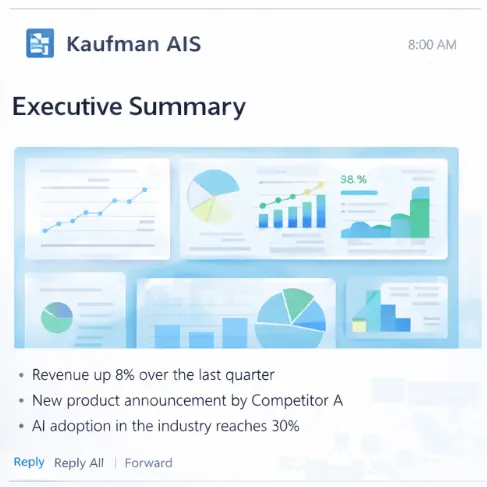
Why dead stock stays invisible for too long
Slow moving inventory often becomes obvious only after capital and space have already been absorbed. Spreadsheet checks and ad hoc exports do not give recurring visibility across a living Shopware assortment.
- Products stop selling while stock remains allocated and unpaid for in working capital terms.
- Warehouse and logistics teams carry items that no longer earn their shelf or bin space.
- Merchandising and purchasing lack a shared, recurring view of what is stagnating.
- Manual exports become outdated quickly as catalog and stock positions change.
- Teams react late with markdowns or disposal instead of deciding earlier with better visibility.
Inventory visibility for practical decisions
Dead Stock Report for Shopware is a focused ecommerce reporting product. It helps teams identify inventory that is no longer moving efficiently so purchasing, merchandising and operations can act with clearer information.
- Create recurring visibility into slow moving or stagnant inventory in Shopware.
- Support discussions about capital, space and assortment health with shared evidence.
- Reduce dependence on one off spreadsheet investigations.
- Pair with Stockout Report when both excess and shortage visibility matter.
- Keep the product scoped to inventory visibility rather than inventing predictive claims.
What Dead Stock Report helps teams do
The product is useful when assortment size makes stagnant inventory easy to miss until it becomes expensive.
Typical situations for Dead Stock Report
Dead stock visibility matters wherever assortment breadth and seasonality create recurring inventory imbalance.
Seasonal and fashion assortments
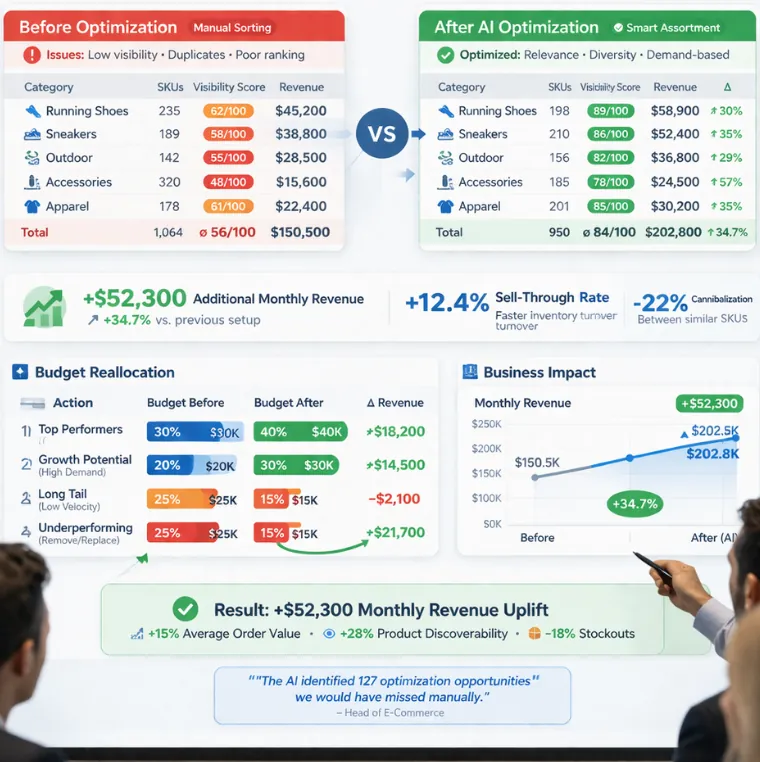
Teams need earlier visibility into items that stopped moving after a season or campaign window.
Purchasing and finance reviews
Stakeholders want evidence for markdown, transfer, bundle or discontinuation decisions.
Warehouse capacity pressure
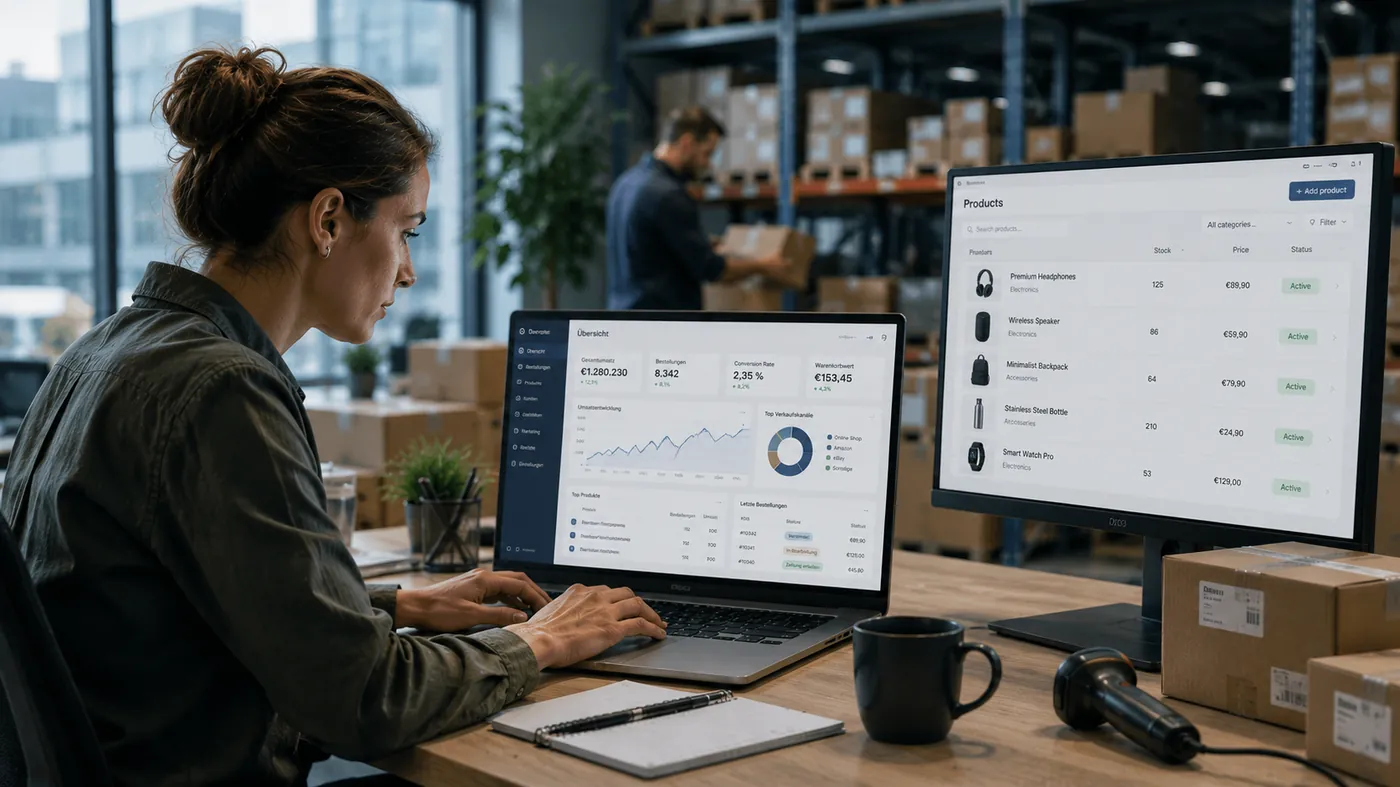
Operations need to free space occupied by inventory that no longer earns its place.
Alongside Report Studio

Broader recurring Shopware reporting can sit next to focused dead stock visibility when multiple report jobs exist.
Visibility without overclaiming prediction
Dead Stock Report is about clearer inventory visibility for decisions. It does not invent savings percentages or claim a predictive engine that guarantees future sell through.
- Use the report to see what is tying up capital and space today.
- Combine with Stockout Report when availability risk is also a priority.
- Use First Recommendations and AI Search when discovery problems contribute to poor movement, but treat those as separate jobs.
Where related analytics workloads require European data control, sovereign AI deployment can be discussed as part of the wider Kaufman AIS conversation.
Frequently asked questions about Dead Stock Report
What is dead stock in this context?
Dead stock refers to inventory that is no longer moving efficiently and continues to occupy capital and space in the ecommerce operation.
Does the product predict future sell through?
No. It focuses on visibility for decisions. This page does not invent predictive claims or savings percentages.
How does it relate to Stockout Report?
Dead Stock Report focuses on stagnant or slow moving inventory. Stockout Report focuses on unavailable products and availability risk. Many teams need both views.
Where can we get it?
Open the shop listing for Dead Stock Report for Shopware, or contact Kaufman AIS for fit guidance.
Is this part of Shopware Solutions?
Yes. It is one of the focused ecommerce products in the Shopware Solutions family.
Get Dead Stock Report for Shopware
Review Dead Stock Report in the Kaufman AIS shop and bring clearer visibility to inventory that is tying up capital and space in your Shopware store.
Contact
Talk to us about your data landscape knowledge structures and potential applications of intelligent assistant systems within your organization.