Put your company knowledge to work
An enterprise knowledge system brings documents, data and apps together. Your teams can ask questions in plain language and get clear answers with links to the sources.
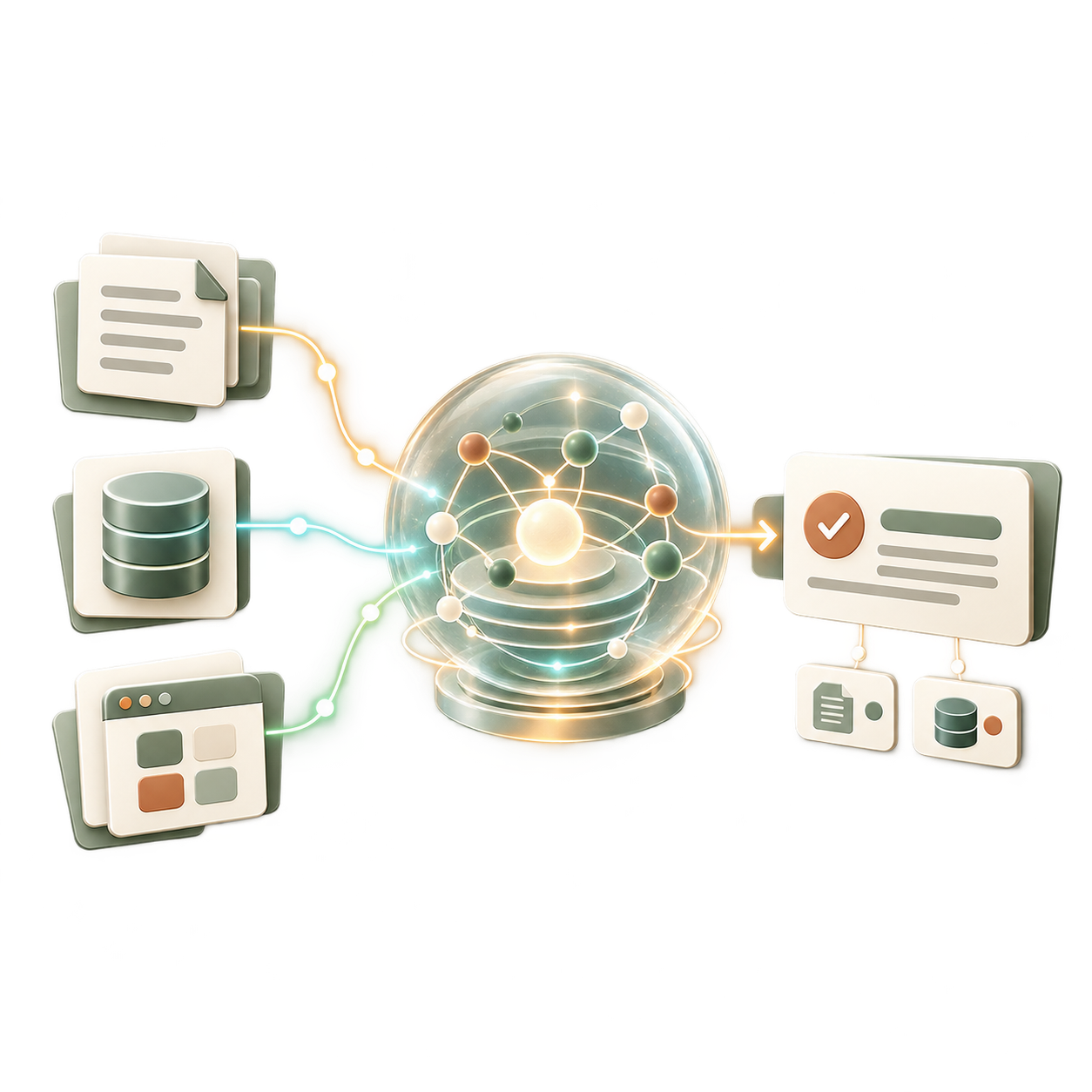
When company knowledge is hard to find
Knowledge is spread across folders, email, business systems and teams. As companies grow, it gets harder to find the right information when people need it.
- Staff cannot find key facts when a customer or colleague needs an answer.
- Important know-how can leave when experienced staff move on.
- Teams keep separate records, so information can conflict.
- Each app searches only its own content and misses links to other sources.
- Research and handoffs slow down decisions.
One trusted place for company knowledge
We connect your systems without replacing them. Your team asks a question and gets an answer based on approved data, with sources shown.
- Search many systems through one simple interface.
- Get answers from current documents, records and process data.
- Keep each person’s existing access rights in place.
- Start with one team, then expand across the company.
- Run the system in Europe or on premise, based on your needs.
What your teams gain
A shared knowledge system saves time and helps your company keep its know-how as it grows and changes.
Answers in seconds
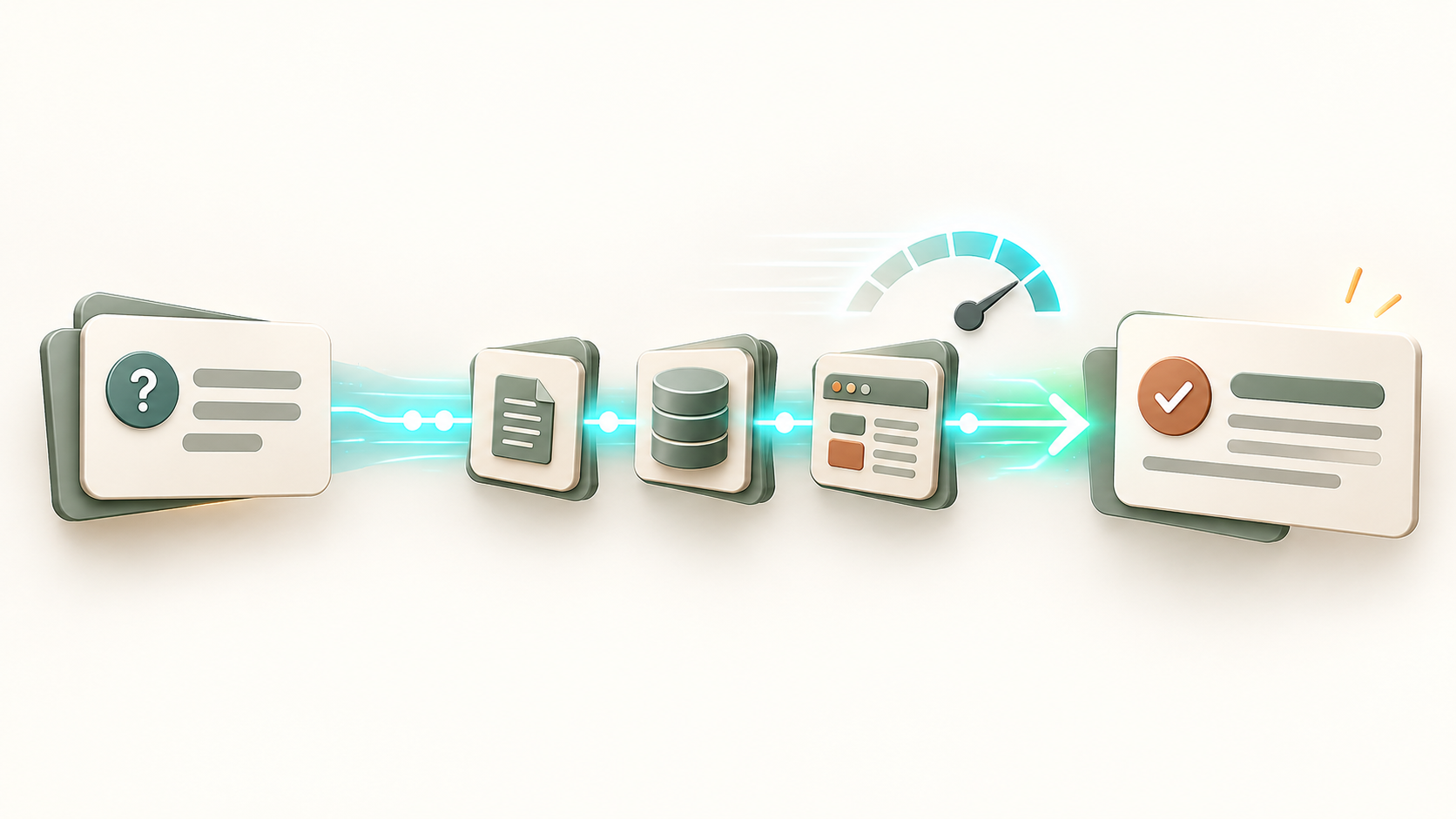
Teams can find checked information fast, without a long search. This helps them handle common questions during daily work.
Keep valuable know-how
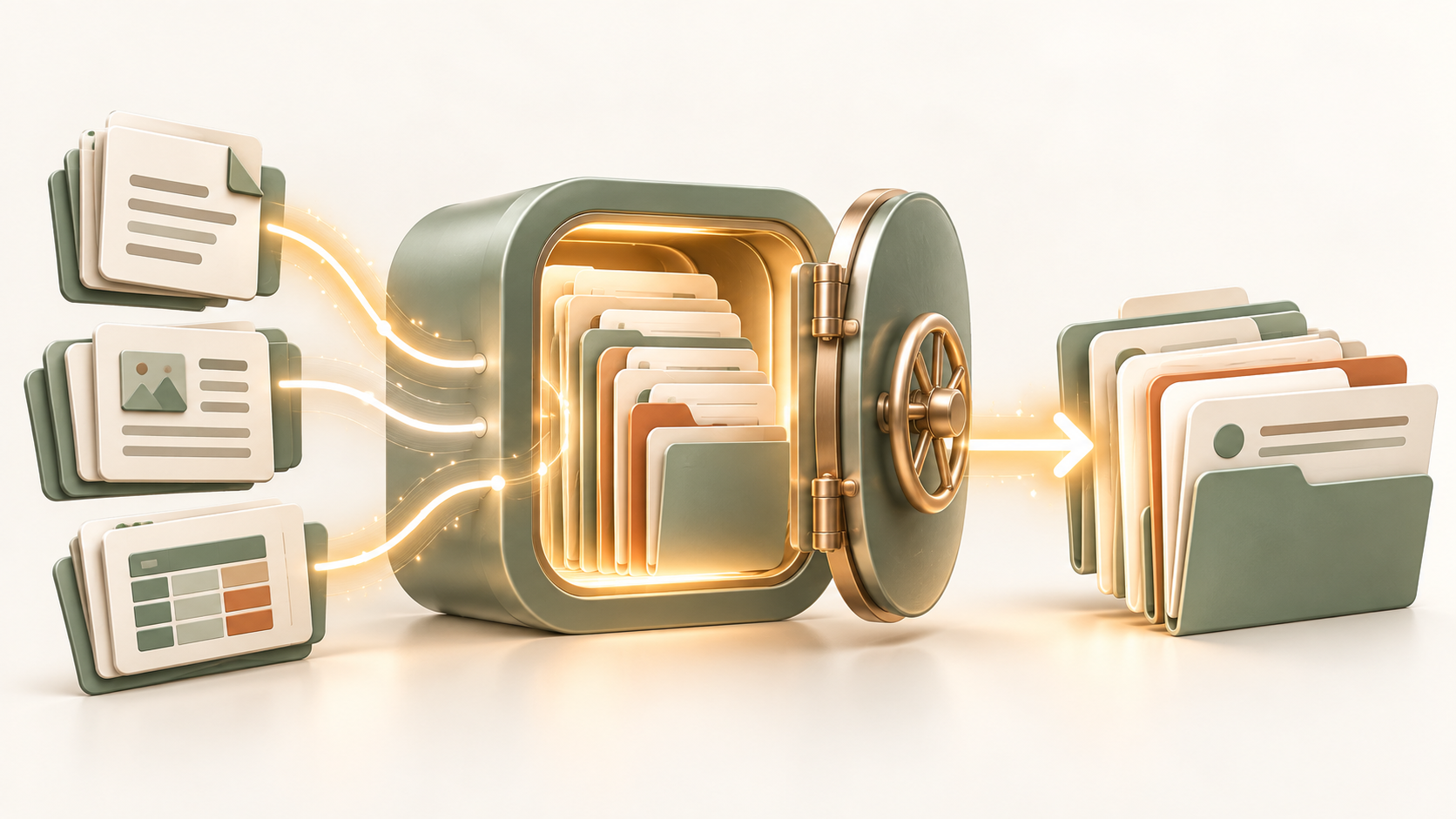
Capture useful experience and keep it available when roles change or people leave.
Make better decisions
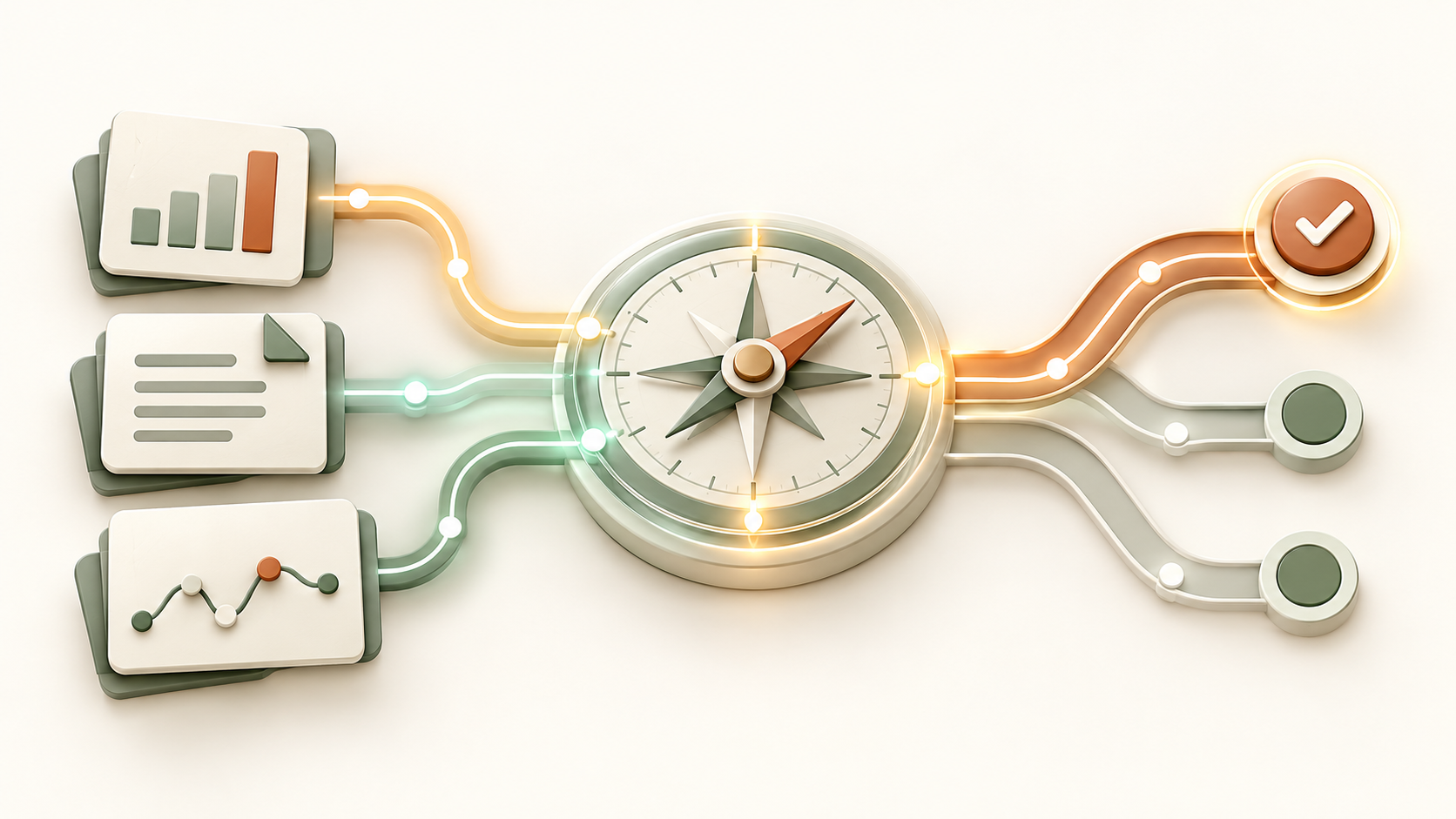
Teams can review shared information and its sources, instead of relying on old files or single opinions.
Help new staff learn
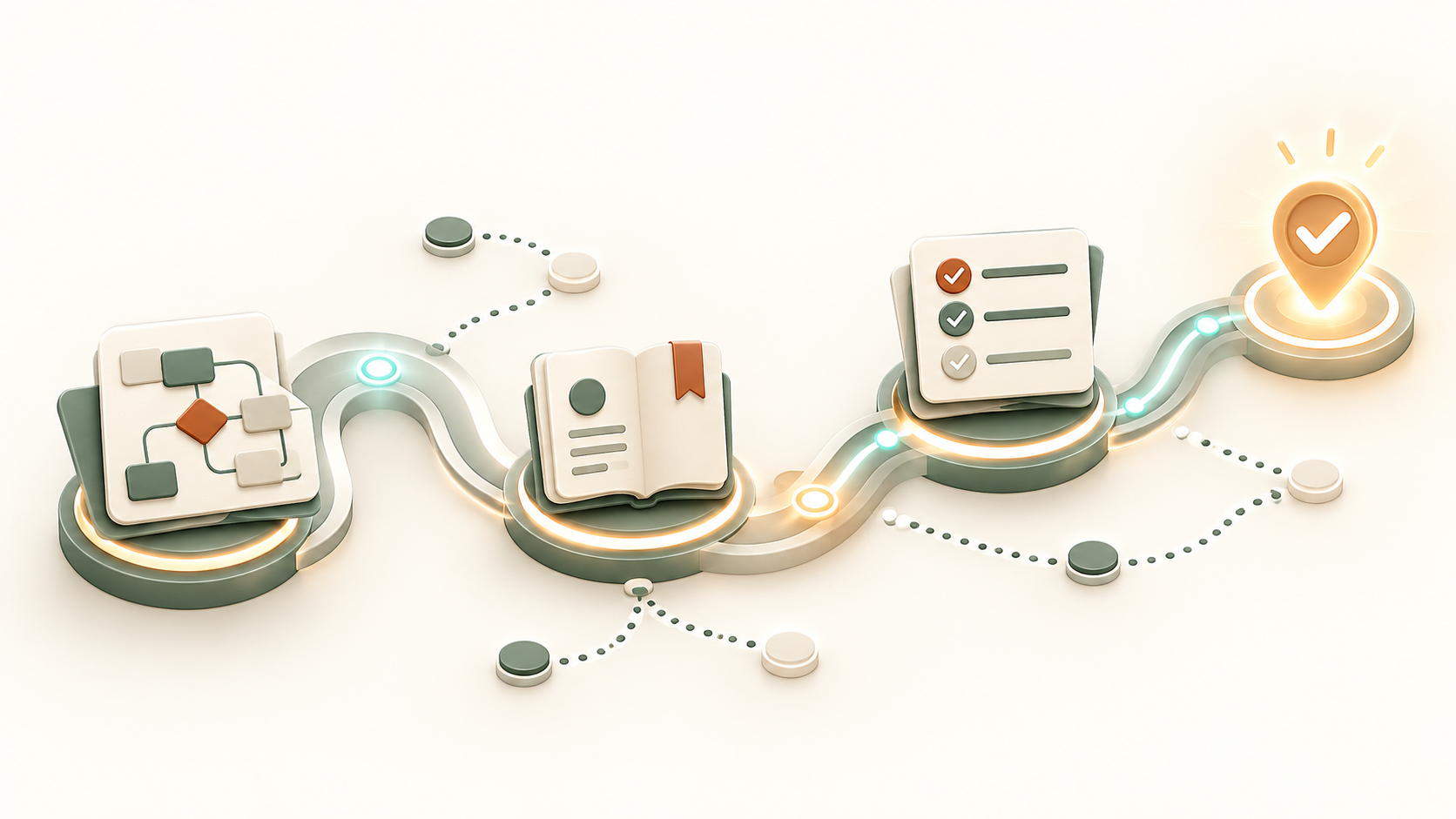
New colleagues can find the steps, rules and background they need for their work.
Grow with less friction
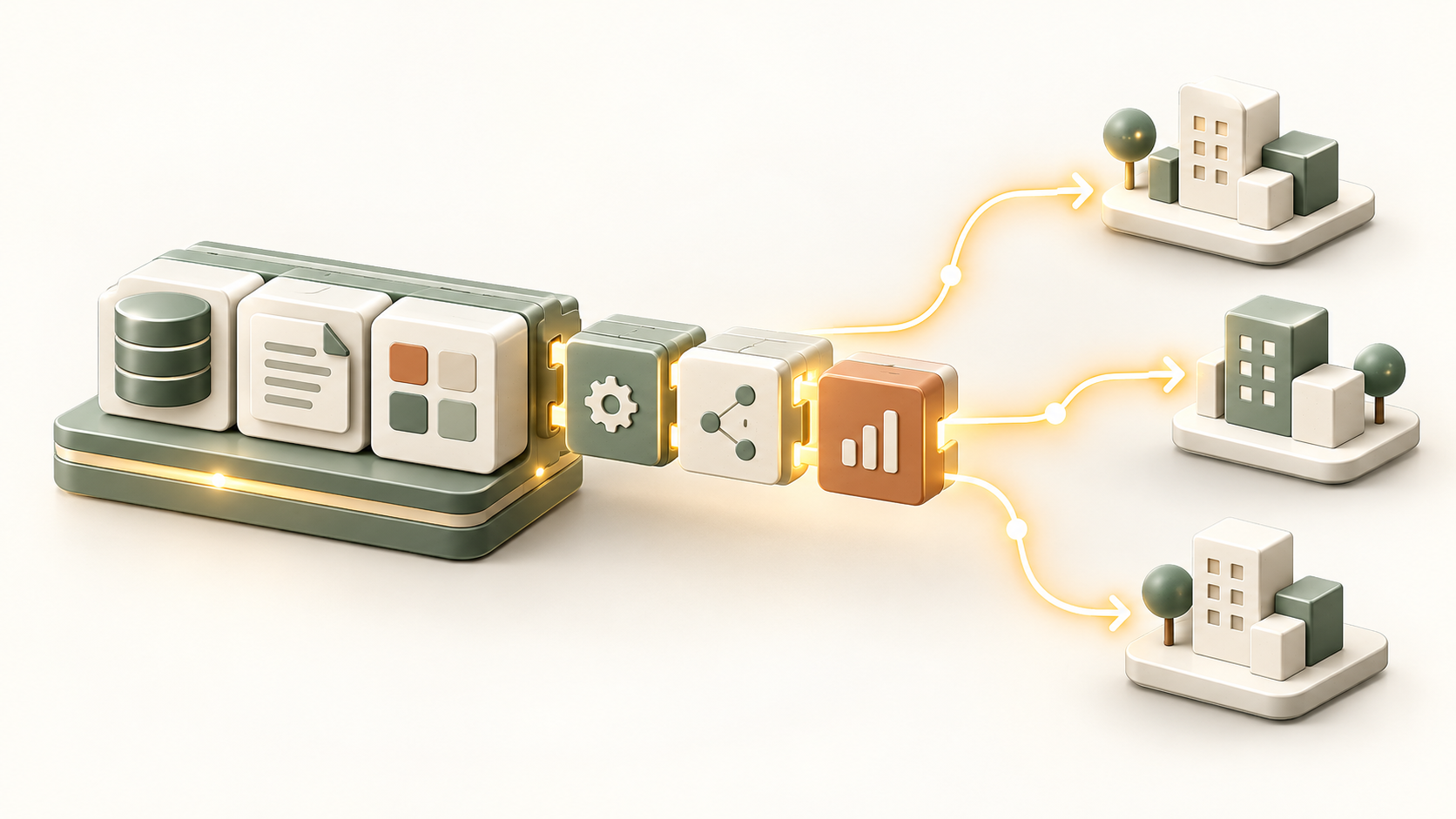
Add teams, sites or new business units without rebuilding the knowledge system each time.
Traceable answers
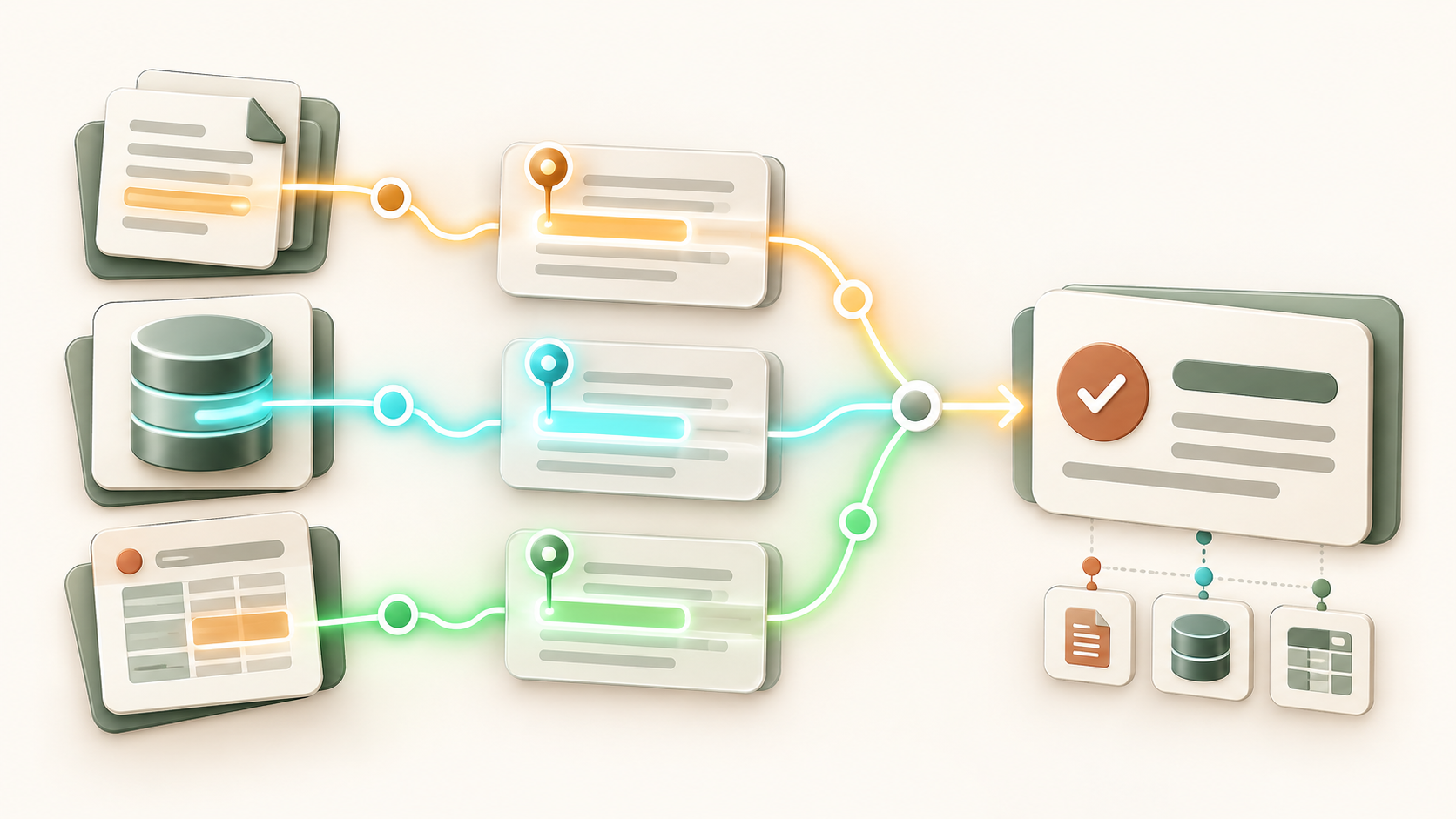
Each answer links to its source, so staff can check where the information came from.
How the knowledge system works
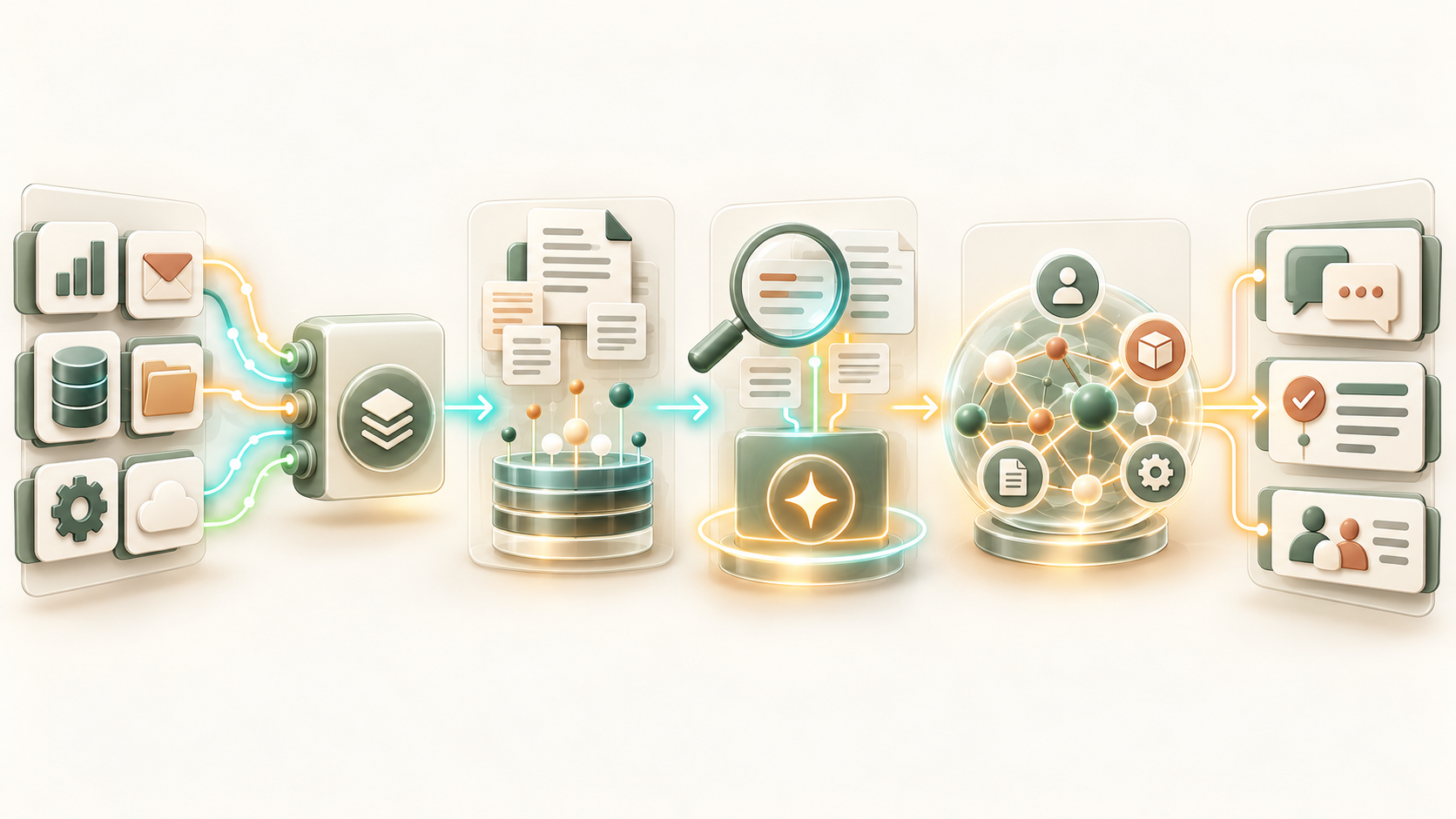
This is more than a search tool. The system connects your data, finds useful details and shows where each answer comes from.
Integration layer for data silos
Connectors link tools such as ERP, CRM, Microsoft 365, databases and industry apps. Content stays in its source system, and its access rules stay in place.
Semantic indexing and vector database
The system looks for meaning, not just exact words. A vector database helps it find useful details across documents and records.
Retrieval Augmented Generation
The model answers from approved company content. This helps reduce made-up answers. Learn more about RAG systems.
Knowledge graph for connections
A knowledge graph links people, products, projects and processes. It helps teams see how information connects.
Assistant and agent layer
Digital assistants and AI agents use this knowledge to help with regular tasks, such as service questions, offer checks and compliance research.
Where teams use knowledge systems
Knowledge systems help when teams need trusted information fast. They are useful in industry, logistics, finance, healthcare, professional services and e-commerce.
Industry and mechanical engineering

Link design rules, manuals, parts lists and service records. Engineering and service teams can find past solutions faster.
logistics
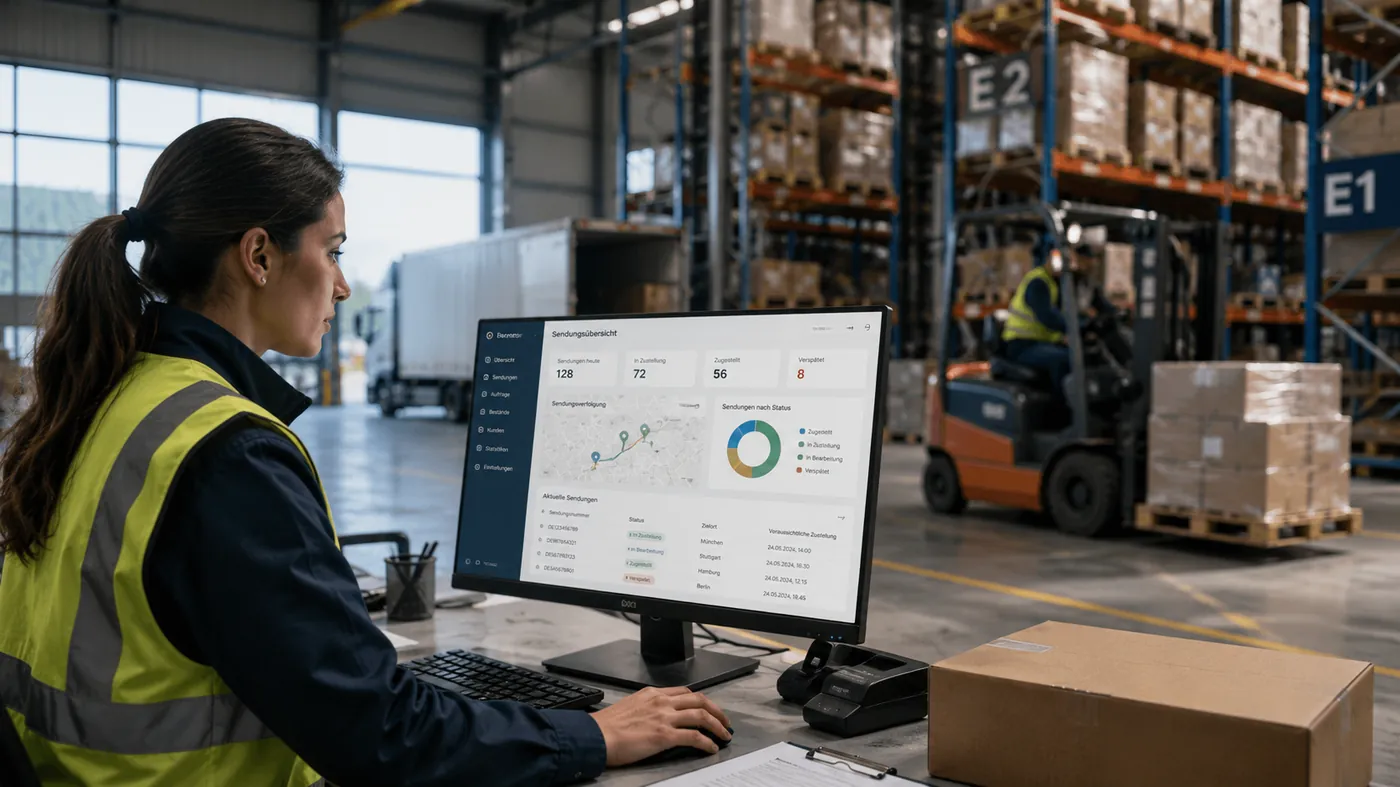
Keep shipping rules, customs details, contracts and process guides in one place. Dispatch and support teams use the same information.
Finance

Bring policies, risk guides and market updates together. Staff can review cases and check the sources behind each answer.
Healthcare
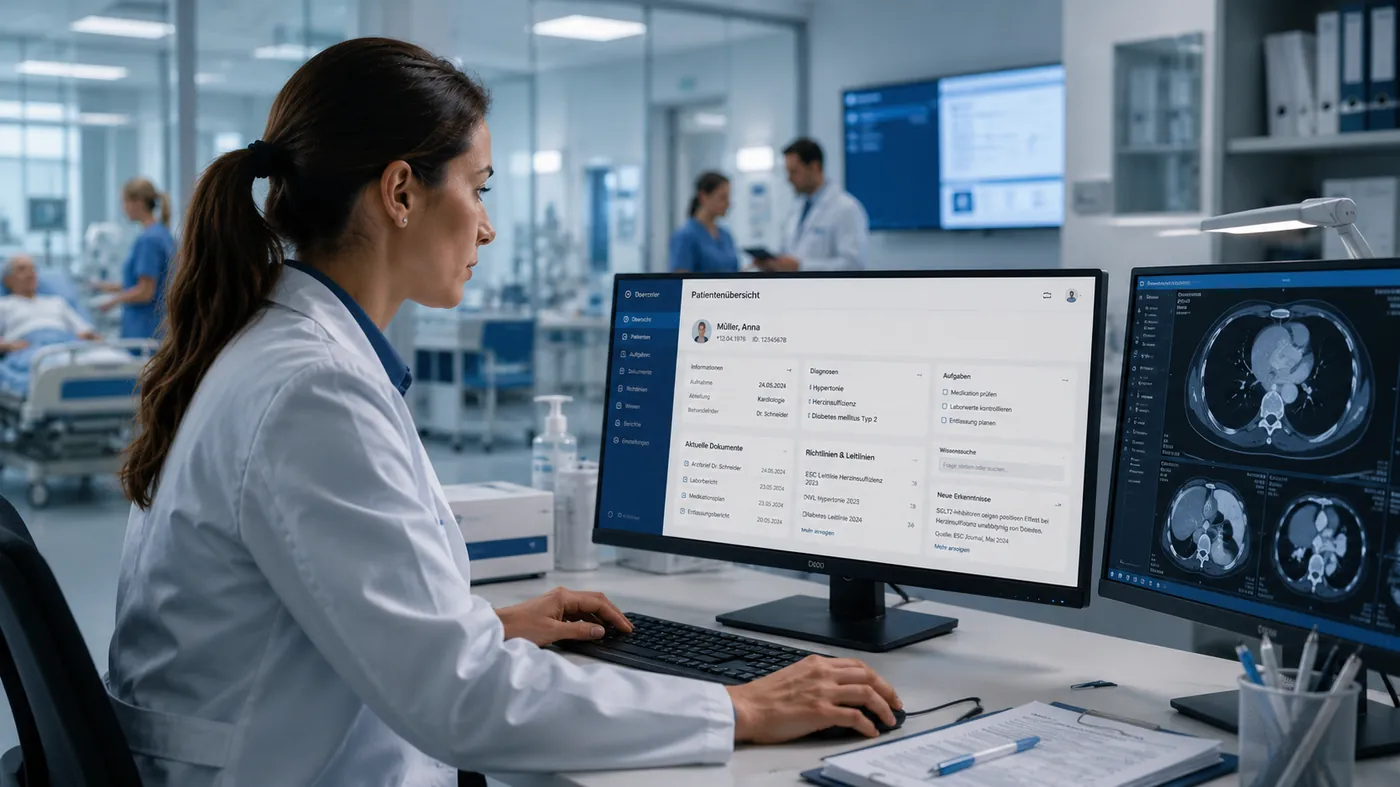
Help staff find current care standards, rules and internal guidance when they need them.
Professional Services

Search past projects, reports and methods so teams can reuse useful experience.
E-commerce

Connect product details, supplier information and ERP data, including SAP. Sales, support and operations can work from the same facts.
Compare the approaches
See how a full knowledge system differs from RAG tools, enterprise search and general AI chat.
Enterprise Knowledge System vs. Alternatives
| Criterion | Kaufman AIS | RAG point solution | Enterprise search | Generic AI chat |
|---|---|---|---|---|
| Connect multiple source systems | Partial, project dependent | Indexes documents, no context | Nein | |
| Answers with references | Document hits only | Rare, not testable | ||
| Roles and permissions from source systems | Often recreated manually | Partially | Not intended | |
| Expansion into a company-wide assistant | Rarely planned | Not intended | Not intended | |
| Operation on premise or EU hosting | Project dependent | Often possible | Mostly public cloud |
RAG System and Enterprise Knowledge System
| Criterion | Enterprise Knowledge System | RAG system | Chat without company data |
|---|---|---|---|
| Focus on reliable answers from your own data | Nein | ||
| Connecting many systems and data sources | Often one or a few sources | Nein | |
| Governance, rights and audit across all sources | Partly per source | Unavailable | |
| Process agents and workflow connection | Possible as an extension | Nein | |
| Typical entry | Company-wide knowledge base | Concrete use case with clear data scope | Productivity without a business connection |
Security, GDPR and data control
The system works with sensitive company information. We build security into its design from the start, with clear control over data, access and hosting.
- Hosting in European data centers or On Premise in your own infrastructure.
- Roles and rights models from the source systems are completely adopted.
- Encryption in transport and storage according to current standards.
- Auditable logs for access, queries, and generated responses.
- Optional operation with private language models without data leakage to external providers.
- Full GDPR compliance and support for industry-specific requirements such as BaFin, MDR or ISO 27001.
Frequently asked questions about enterprise knowledge systems
How is this different from enterprise search?
Search lists documents. A knowledge system brings approved information from many sources together and gives a clear answer with links.
Do we need to replace our current systems?
No. The system connects to your tools. ERP, CRM, DMS, SharePoint and other apps stay in place.
How do you protect access rights?
It uses the access rules in your source systems. Users only get answers from information they are allowed to see.
How soon can we start?
Timing depends on the use case and data access. We start with one team, test the results and expand from there.
Can we use it without a public cloud?
Yes. It can run in EU data centers, a private cloud or on premise. Models can also run in your own environment.
How is it different from Microsoft Copilot?
Copilot focuses on Microsoft 365. This system can also connect ERP, DMS and specialist apps, while you control access and hosting.
Can teams manage their own knowledge areas?
Yes. Teams can own their content. Shared answers still follow each user's access rights.
What if one of our systems changes?
We can update its connector without rebuilding the whole system. You decide how long old records are kept.
Find a clear first step
Tell us where your team spends time searching for information. We will review your sources and suggest a useful place to start.
Contact
Tell us about a process you want to improve. We will map its data and systems, then discuss a secure first step for AI.